



PictureToLink
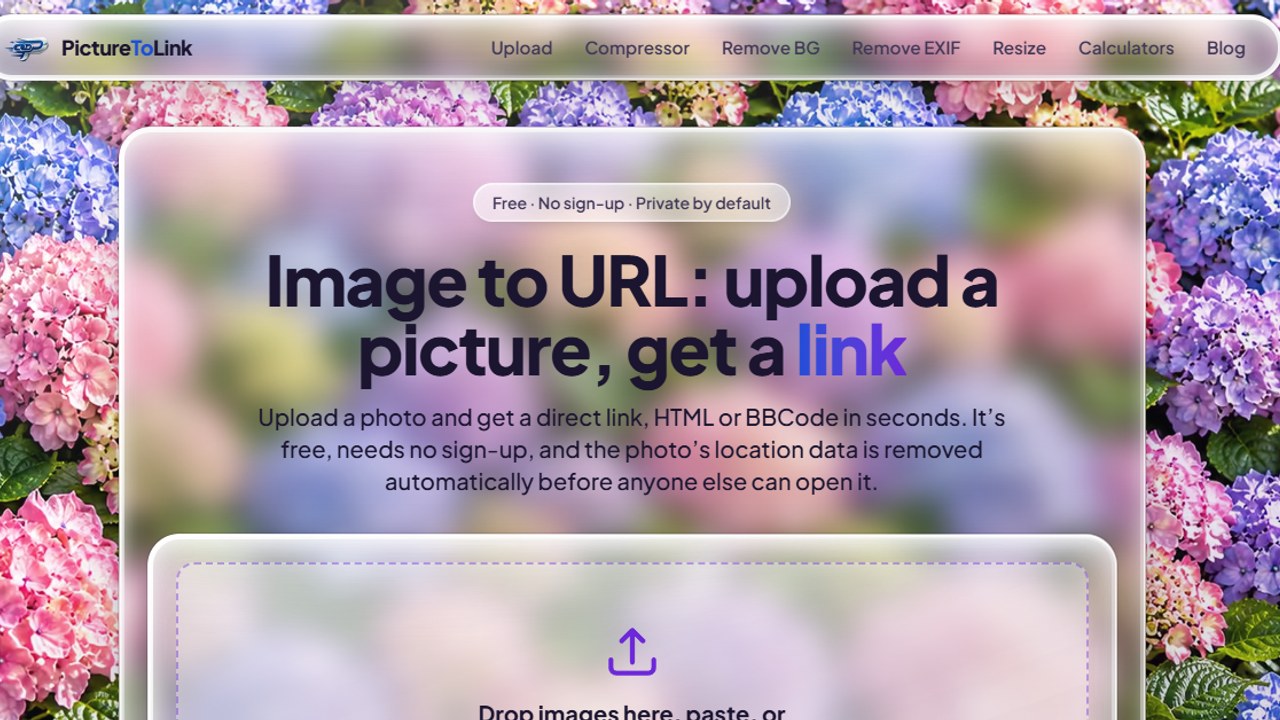
Drop in a photo and copy the link. No sign-up, and the GPS data is stripped.
About PictureToLink
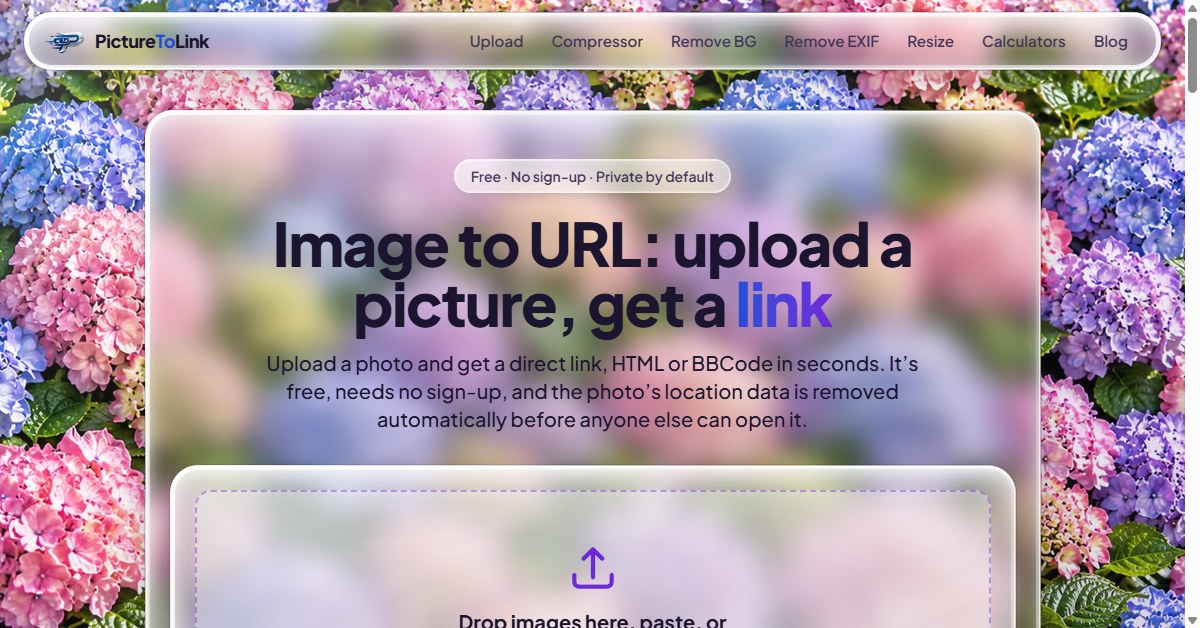
Upload a photo to PictureToLink and a shareable link is ready a few seconds later, with no account. Up to 20 images can go in at once. Each one comes with a direct link and a share page, plus ready-made embed codes for forums and websites.
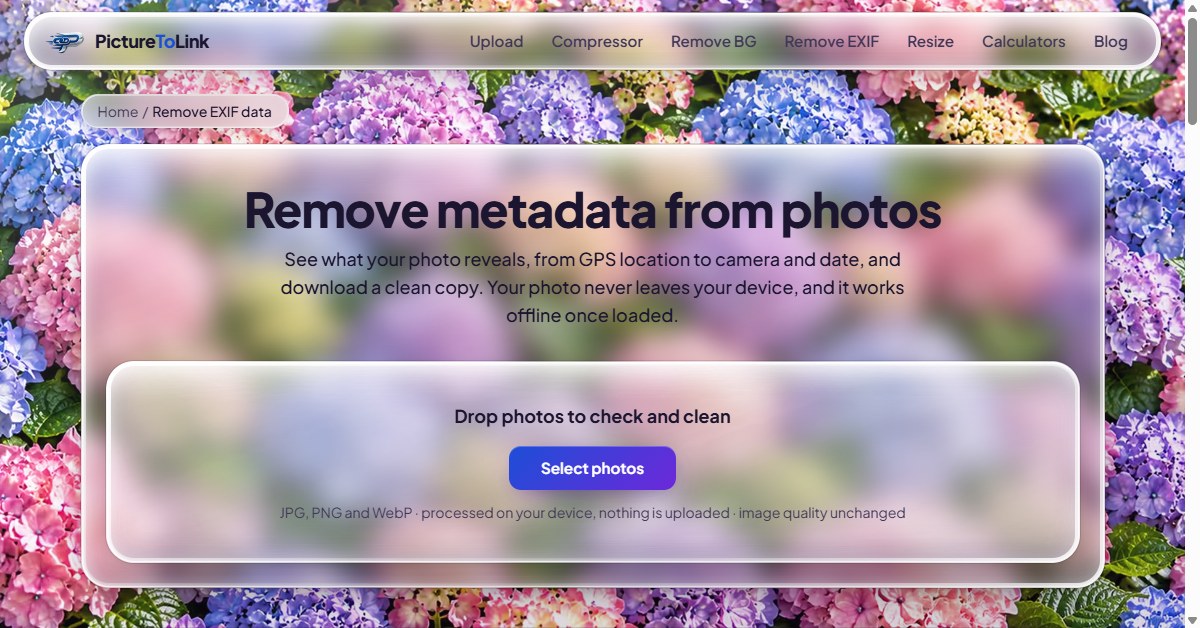
Phones hide your GPS position inside photos. Every upload is re-encoded, which strips that location and the camera data before anyone can open the file. Each image also gets a private delete link, and if you prefer, it can vanish on its own after an hour or as late as 30 days. Images nobody views for 12 months are removed.
Files can be up to 25 MB. JPG, PNG, WebP, GIF, AVIF and iPhone HEIC all work, and animated GIFs keep moving. SVG is the one format it turns away.
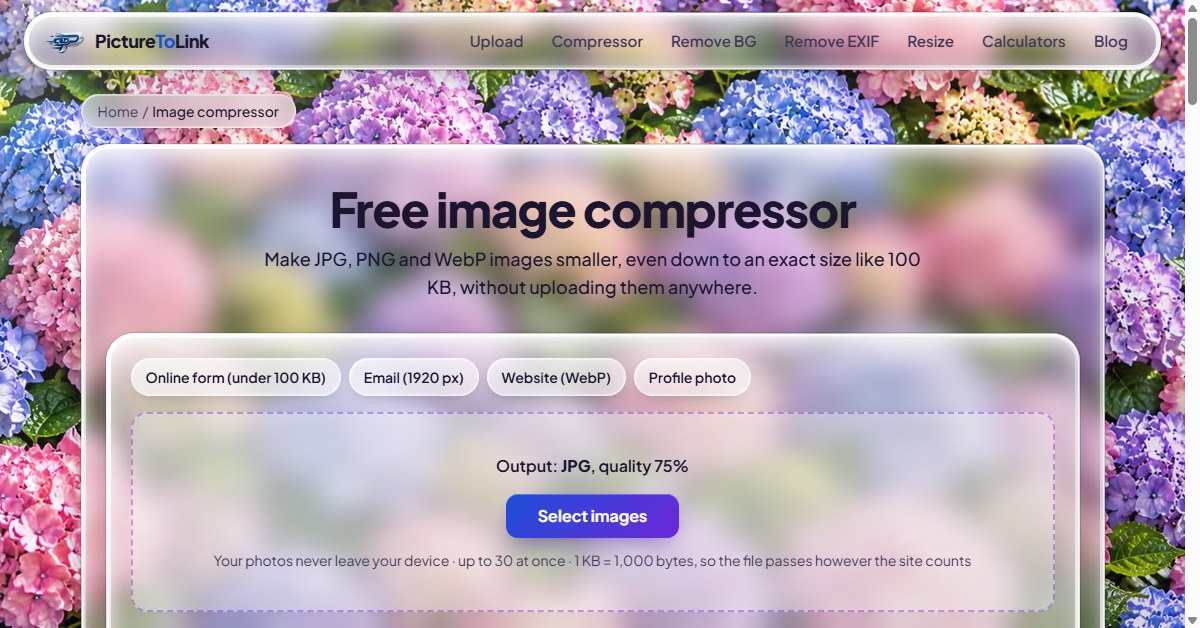
Some jobs don't need hosting at all. Shrinking a photo, wiping its metadata or resizing it happens inside your browser, so those files never leave your device. That matters when a form wants a picture under 50 KB and you'd rather not upload an ID photo anywhere.
It's free and paid for by ads, because that keeps sign-up out of the way. Pages that show your images never carry any.
Gallery3
Overview
Who is it for?
Problem
Solution
What makes it unique
Use cases
- 1Generate Direct Image URL
- 2Provide HTML
- 3BBCode
- 4Markdown Snippets
- 5Auto-Remove GPS Data
- 6Auto-Compress For Fast Load
- 7Auto-Delete Scheduling
FAQ5
Do I need an account to upload?
What happens to the location data in my photo?
How long do my images stay online?
Can I delete an image myself?
What are the best PictureToLink alternatives?
Details
- Pricing
- Free
- Platforms
- Web
- Categories
- Built with
- Alternative to
- Launched
- Week 51, 2026 · Nov 25, 2026
- Website
- picturetolink.com
Made by

Maker · launched PictureToLink
Discussion0
No comments yet — ask the maker something.
Similar products

Online Music Visualizer
Create audio-reactive music visualizer videos in your browser
3▲ 8SaaS, Design Resources, Productivity

Builtbyindies
The Community Network for independent makers
3▲ 8SaaS, Marketing, Productivity

Remove Background Online – Free Background Remover
In-browser background removal for JPG, PNG, and WebP with transparent PNG output
3▲ 7AI, SaaS, Design Resources

FreeBillKit
Free business document generator. No signup.
2▲ 5SaaS, Productivity
Compare PictureToLink
All alternatives →OPictureToLink vs Online Music VisualizerBoth in SaaS, Design Resources, ProductivityPBPictureToLink vs BuiltbyindiesBoth in SaaS, ProductivityPRPictureToLink vs Remove Background Online – Free Background RemoverBoth in SaaS, Design ResourcesPFPictureToLink vs FreeBillKitBoth in SaaS, ProductivityPL PictureToLink vs LithoCanvasBoth in Productivity, Design ResourcesPK