
About Pier
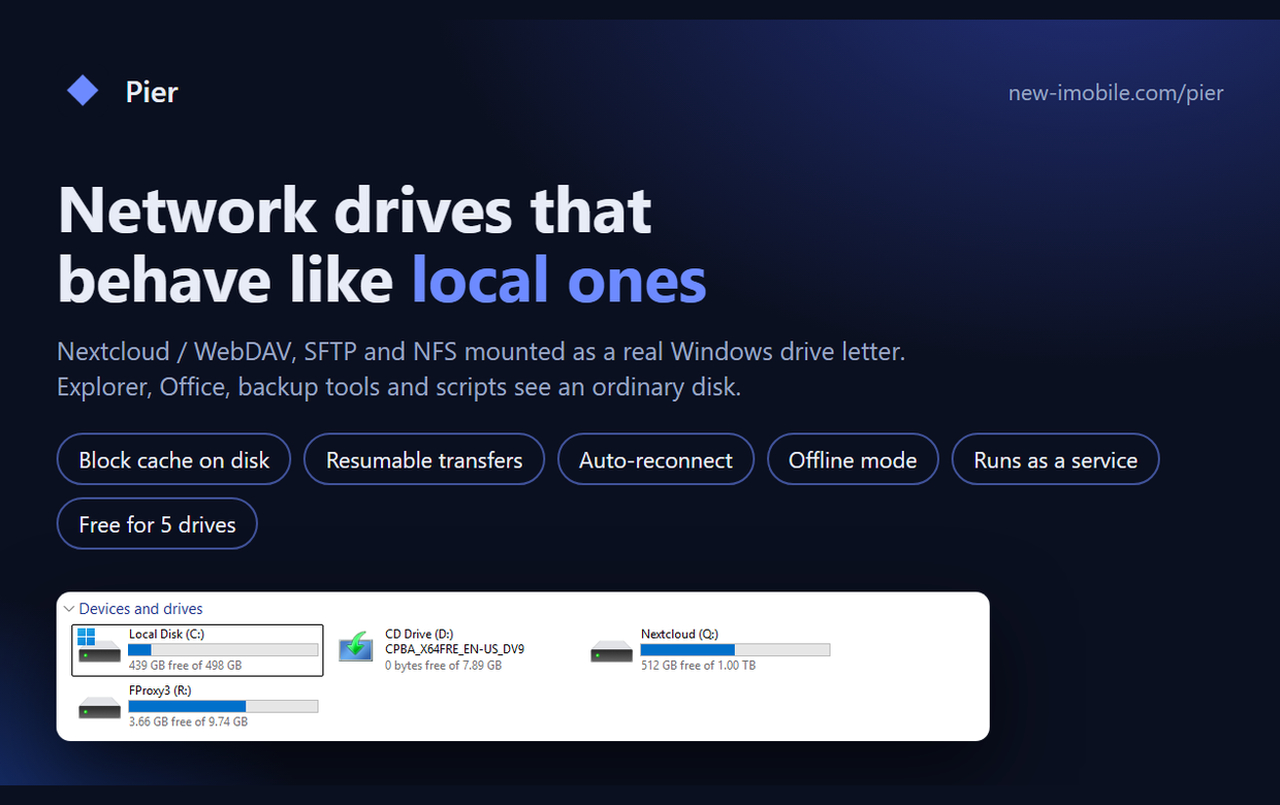
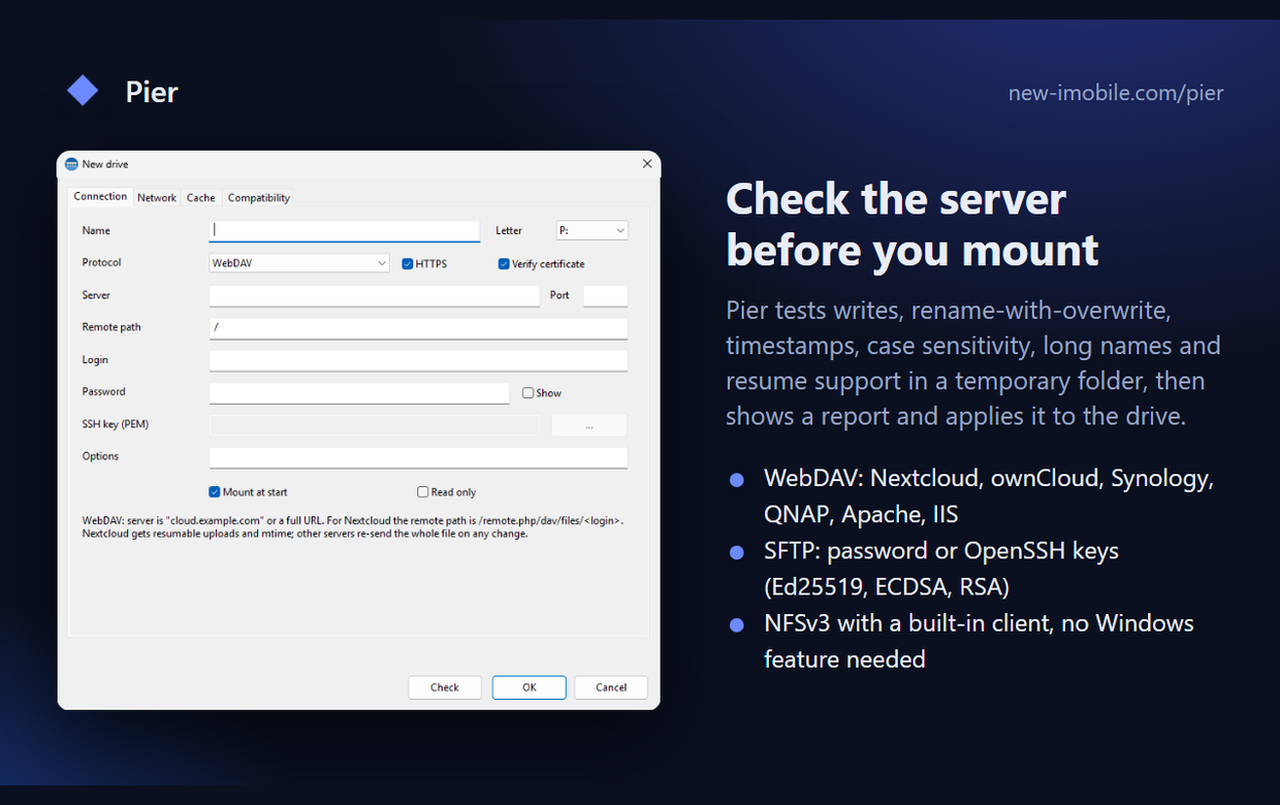
Pier turns a remote folder into a normal Windows drive letter. It speaks WebDAV (Nextcloud, ownCloud, Synology, QNAP, Apache, IIS), SFTP (any SSH server, password or OpenSSH keys) and NFSv3, and uses the open-source Dokany driver, installed for you by the setup program, so Explorer, Office, backup tools and scripts work on the drive as on a local disk.
A WebDAV drive is one link: paste the address (for Nextcloud, the WebDAV link from its settings) and only the password is left to type. The interface speaks 16 languages.
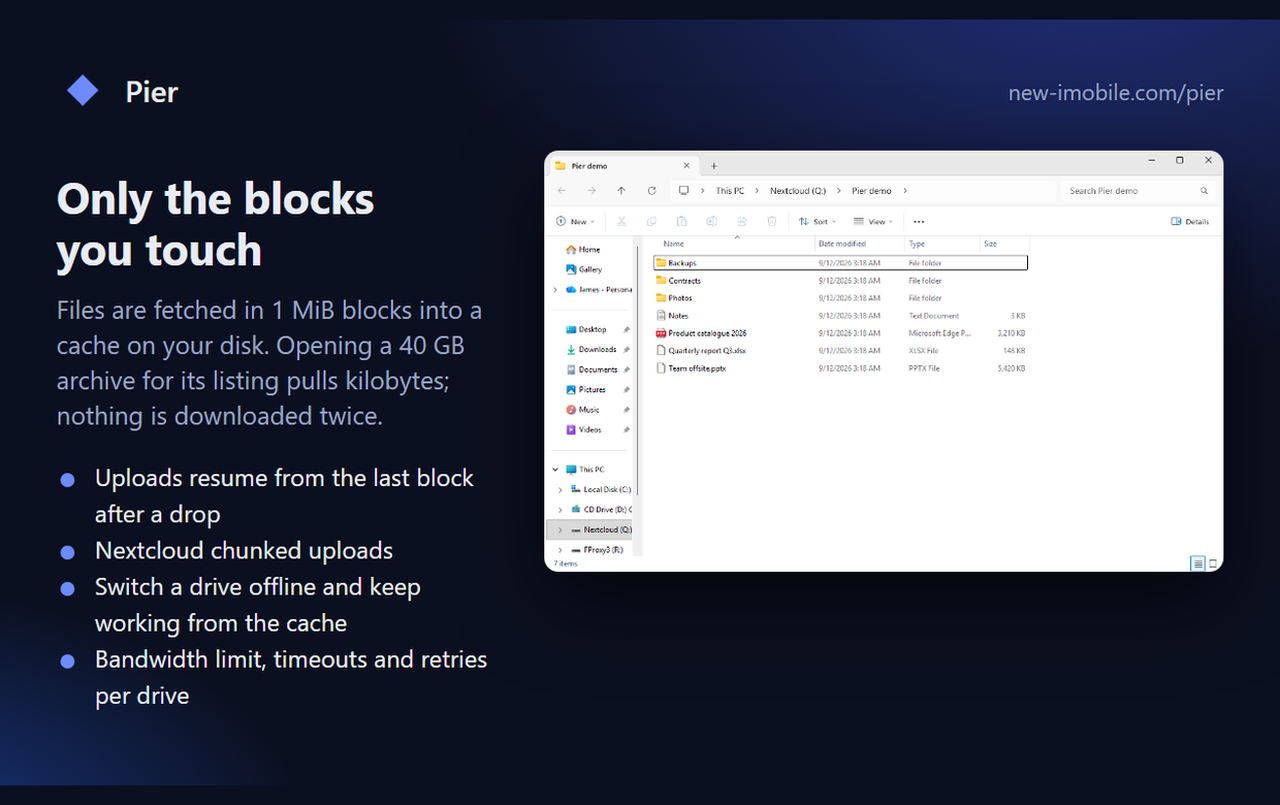
Built for slow links and big files: files are fetched in blocks into a cache on your disk, so only the parts you touch are transferred and nothing is downloaded twice. Uploads and downloads that break resume from the last block; a dropped Wi-Fi, a VPN reconnect or a sleeping laptop does not lose the drive. A drive can be switched to offline mode and keep working from the cache; changes are pushed later.
Pier Backup makes encrypted, versioned backups of your folders to WebDAV, SFTP, S3 or NFS: only changes are sent, any version can be restored.
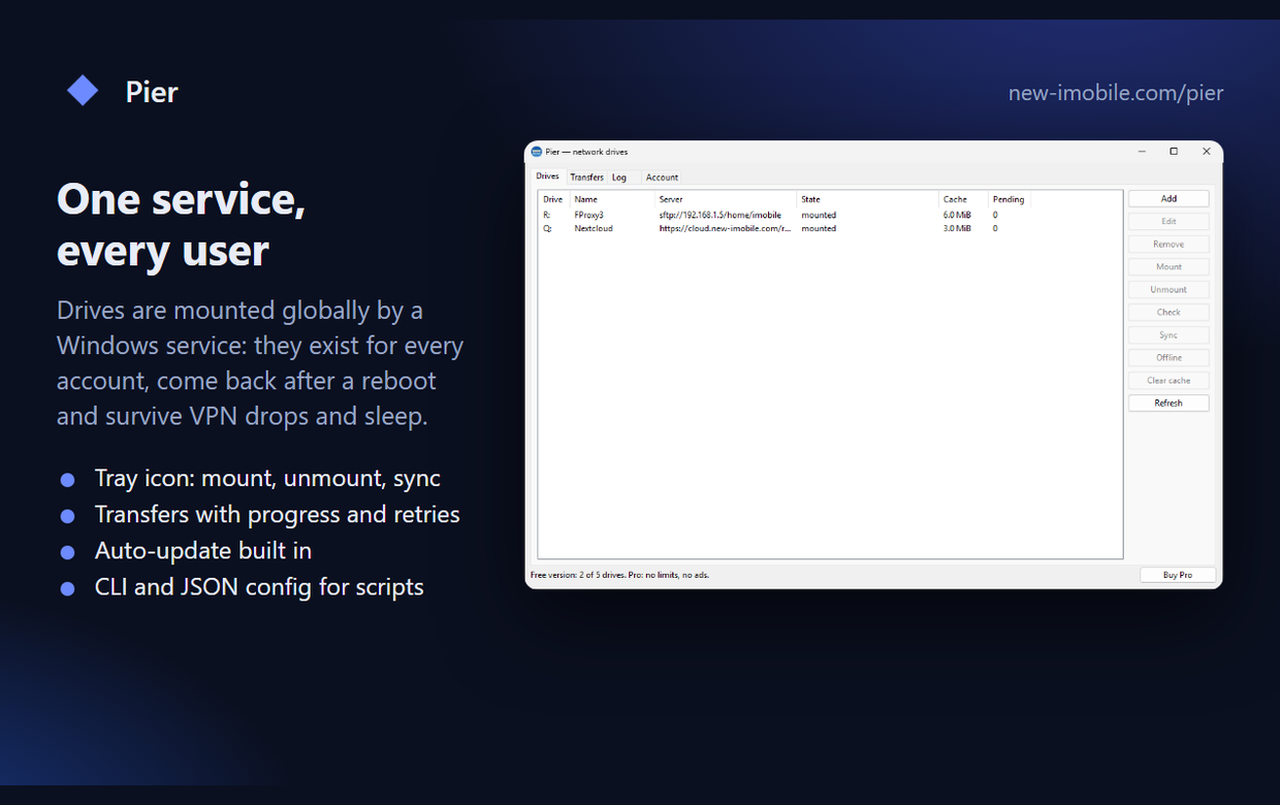
Pier runs as a Windows service, so drive letters exist for every user and survive reboots; a tray icon gives mount, unmount, sync and "open in Explorer", and a command line covers scripting.
Free edition (free registration within 14 days of install): up to 5 drives, all protocols and features, no time limit. Pro: unlimited drives and no ads, USD 19 per year.
Requirements: Windows 10/11 64-bit or Windows Server 2019+.
Gallery3
Overview
Who is it for?
Problem
Solution
What makes it unique
FAQ3
What is Pier?
How much does Pier cost?
Who is Pier for?
Details
- Pricing
- Freemium · $19/year (Pro); free up to 5 drives
- Platforms
- Web
- Categories
- Launched
- Week 46, 2026 · Nov 3, 2026
- Website
- new-imobile.com/en/pier
Made by
Maker · launched Pier
Discussion4
Nooc Noob · Nov 6
What stood out is the specific promise of mounting WebDAV, SFTP, and NFS folders as ordinary Windows drive letters.
James MondayMaker · Nov 8
Thanks, Nooc. That was the whole idea: the drive letter is the interface, so Explorer and any other program open remote files as if they were local, with no separate client for each protocol. Behind it a Windows service holds the connections, caches the blocks you have already read and uploads changes in the background, picking up where it stopped if the link drops.
Safe Outreach Team · Nov 5
Mapping WebDAV, SFTP and NFS shares to drive letters in one tool saves juggling separate clients. Does it reconnect on its own after the laptop wakes from sleep?
James MondayMaker · Nov 5
Yes. Pier watches for network changes and reconnects on its own when the laptop wakes up or the Wi-Fi or VPN comes back, so Explorer keeps the drive letter the whole time. Pending writes are finished after the reconnect, and an interrupted upload continues from the last block instead of starting over. You can also switch a drive to offline mode and keep working from the local cache.
Similar products

Keyflow
Shortcuts, n8n templates & MCP servers from official sources
3▲ 8Productivity, DevTool

Builtbyindies
The Community Network for independent makers
3▲ 8SaaS, Marketing, Productivity

Staffcoder
Real-World Coding Challenges in a Browser IDE
1▲ 7DevTool, Productivity, AI

Online Music Visualizer
Create audio-reactive music visualizer videos in your browser
3▲ 7SaaS, Design Resources, Productivity