



Remove Person from Photo Online Free — Browser AI
Live this weekBrush-precise erase in your browser with sign-in for generation
About Remove Person from Photo Online Free — Browser AI
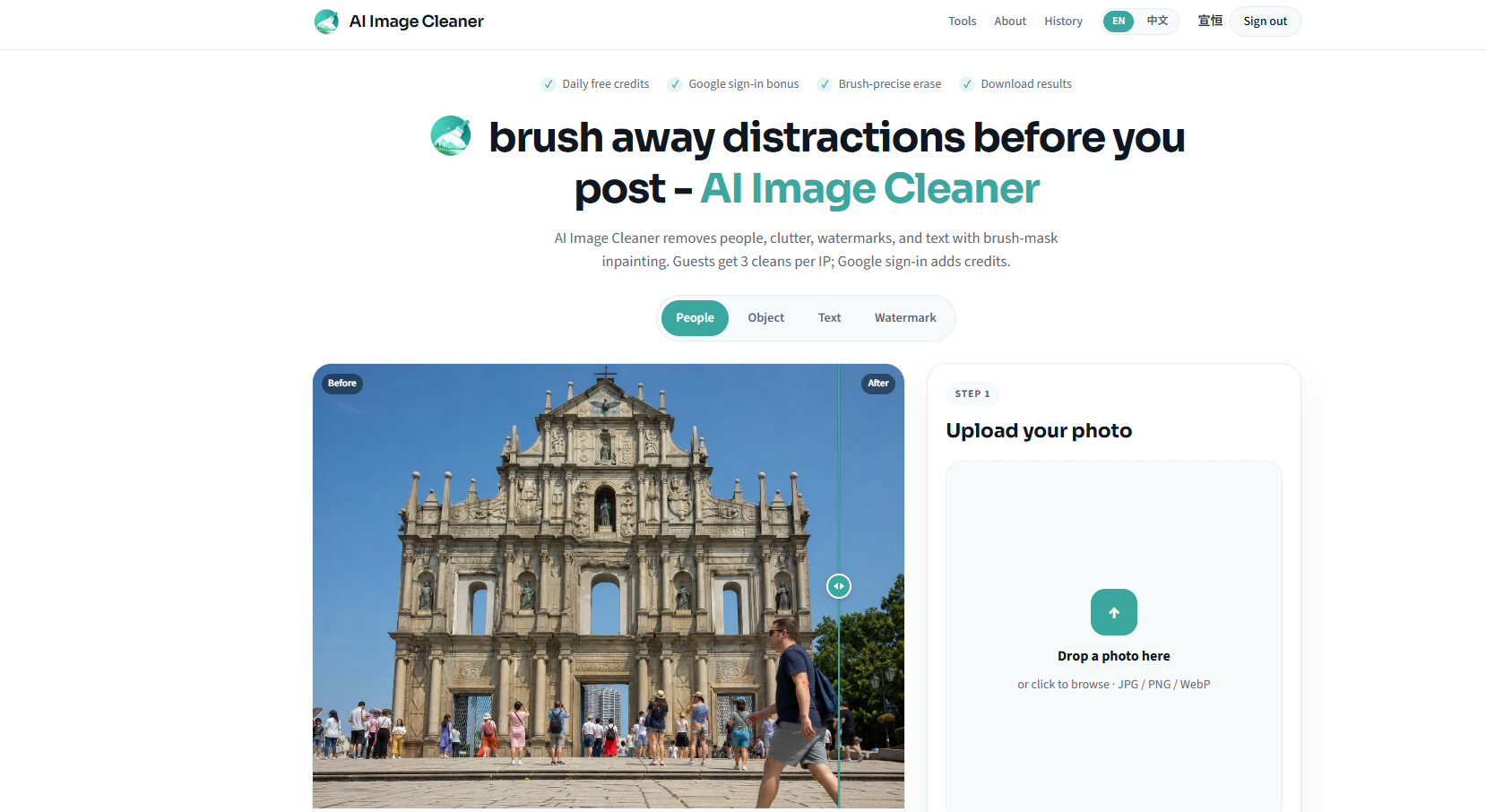
This product is a browser-based tool designed to remove people or unwanted pixels from photos while preserving the surrounding background. It targets common scenarios such as group shots or crowded scenes where a precise edit is needed instead of a generic filter. The workflow is kept entirely in your browser, with no installation required, and it uses a brush-based approach to define the area that should be removed.
The core idea is to give users control over what gets erased. You upload an image, paint over the unwanted figure using a brush mask, and then run an in-browser clean to rebuild the background in the masked area. The process focuses on preserving nearby features and edges, including hair wisps and ground shadows, so the result does not rely on a simple blur or stamp. Only the masked pixels are altered during the edit.
Access to generation requires signing in with Google, and the system explains that starter credits are provided upon sign-in: six starter credits, roughly equivalent to about three complete cleans, with two credits allocated per successful clean. There are also free steps available without signing in, but generating a clean requires Google sign-in. The page states there are no recurring free credit top-ups and that the browser-based tool operates without any credit card requirement for the initial usage. Each clean uses two credits, and the tool emphasizes transparent limits and precise brush control rather than a one-tap solution.
Users are reminded of rights and usage rules: you must own the image or be authorized to edit it, and the tool does not stamp trial outputs. The intended use cases include removing people, wires, stamps, or small clutter, with examples showing how to handle scenarios such as a photobomber behind a couple or an arm intruding through a doorway. After a clean, you can download the result and review faces that remain, ensuring that neighboring areas look natural before sharing. The page also offers guides and tutorials to help users learn the brush mask workflow and how to achieve realistic results, reinforcing the tool’s emphasis on precise cleanup and background reconstruction.
In summary, this is a browser-based image cleaner that lets you upload a photo, brush the unwanted figure, run an in-browser clean, and download the edited image. It emphasizes control, privacy of the pixel edits, and clear credit usage through Google sign-in, with starter credits designed to demonstrate the process without requiring payment upfront. The service is positioned for general users, photographers, social media creators, small teams, and content editors who need quick, precise removal without relying on generic filtering.
Overview
Who is it for?
Problem
Solution
What makes it unique
Use cases
FAQ7
Do I need to sign in to use the tool?
How are credits used for each clean?
Is the tool browser-based or do I need to install software?
Can I preserve hair wisps and shadows when removing a person?
Do I own the edited image once I download it?
What should I consider regarding rights and permissions?
What are the best Remove Person from Photo Online Free — Browser AI alternatives?
Details
- Pricing
- Freemium · Free - guest trial + credits after Googl
- Platforms
- Web
- Categories
- Built with
- Alternative to
- Launched
- Week 43, 2026 · Oct 23, 2026
Made by

The Remove Person from Photo Online Free — Browser AI team
Maker · launched Remove Person from Photo Online Free — Browser AI
Discussion0
No comments yet — ask the maker something.
Similar products

Remove Background Online – Free Background Remover
In-browser background removal for JPG, PNG, and WebP with transparent PNG output
3▲ 6AI, SaaS, Design Resources
Aura++
Launch your product with one click. Get featured, earn badges, receive a high-qu
1▲ 12AI, SaaS, Marketing
SEOBot
fully autonomous "SEO Robot" with AI agents for Busy Founders
3▲ 10AI, Marketing, SaaS

AI//COST
Independent LLM API price desk — compare 300+ models before you ship.
4▲ 7AI, DevTool, SaaS
Compare Remove Person from Photo Online Free — Browser AI
All alternatives →RRemove Person from Photo Online Free — Browser AI vs Remove Background Online – Free Background RemoverBoth in AI, SaaS, Design ResourcesRASARemove Person from Photo Online Free — Browser AI vs AI//COSTBoth in AI, SaaSRO Remove Person from Photo Online Free — Browser AI vs Online Music VisualizerBoth in SaaS, Design ResourcesRE
 Remove Person from Photo Online Free — Browser AI vs EnhanceWizardBoth in AI, Design Resources